Quick Summary
In the world of high-performance graphics, the memory junction 105C threshold is more than just a number; it is a critical boundary for hardware stability. For owners of RTX 30 and 40-series laptops, managing GDDR6X thermals represents a unique challenge that standard cooling solutions often struggle to address.
Unlike the GPU core, which can operate comfortably at 80°C, the memory modules are significantly more sensitive to heat density. When your VRAM hits this temperature, the internal firmware triggers an aggressive thermal emergency protocol. This is not a simple performance dip; it's a massive reduction in clock speeds designed to prevent system instability.
This phenomenon is a primary cause of laptop VRAM overheating during intensive tasks like AI generation or 3D rendering, leading to unpredictable workflow disruptions. The challenge for most users is that standard monitoring tools do not show these critical temperatures. Learn more about why VRAM overheats in our article Why VRAM Overheats in Modern Laptops?

Know your VRAM Thermal Limits
Download the 2026 Reference Chart for RTX 30/40/50 Series.
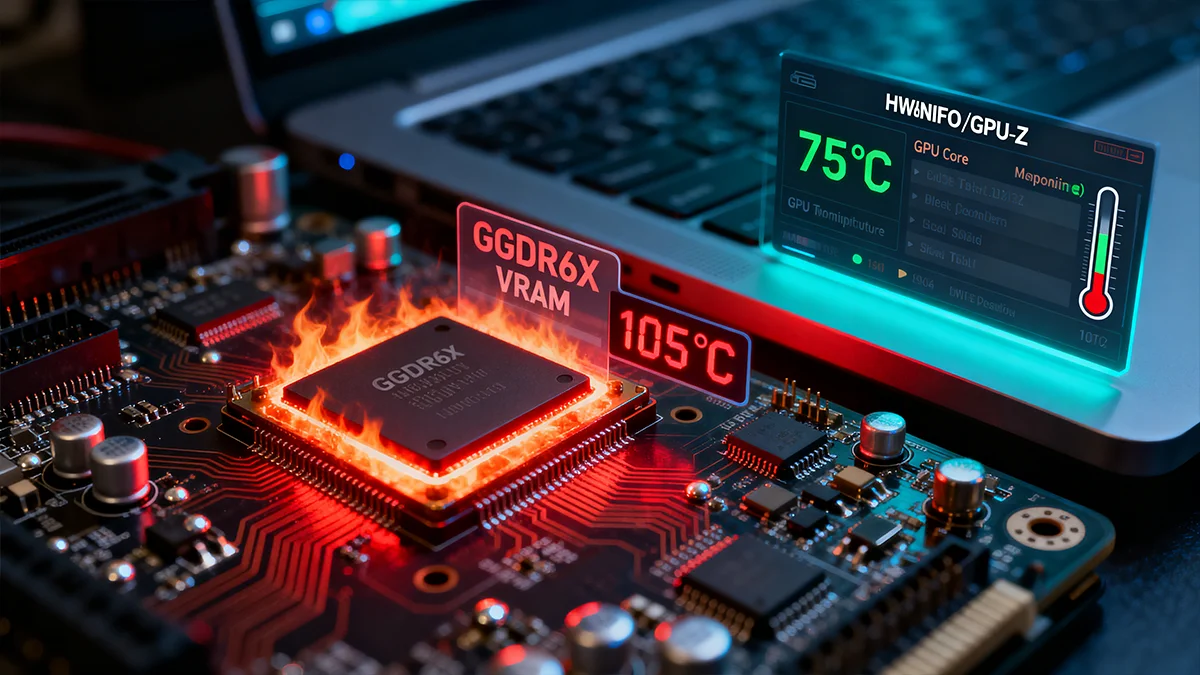
You might observe a "cool" 75°C GPU core while your GPU core vs memory junction temps are drastically different, with the memory simultaneously hitting 105°C. This gap in telemetry often leads to a false sense of security, as the system appears to be operating within safe limits.
Thermal Emergency Protocol
To maintain consistent performance, you must manage the thermal load before it reaches these critical firmware limits. VRAM Shield achieves this through its proprietary Pulse Throttling technology.
By controlling the duty cycle of your most intensive tasks, you can effectively keep the memory junction well below the 105°C threshold. This data-driven approach to thermal management is the most effective way to maintain consistent performance for AI generation VRAM and 3D rendering VRAM.
Don't let unmanaged heat compromise your system's stability or performance. Take direct control over your hardware's thermal performance and ensure consistent output during demanding tasks. Explore the professional-grade monitoring and management tools in VRAM Shield by choosing your plan today.