Quick Summary
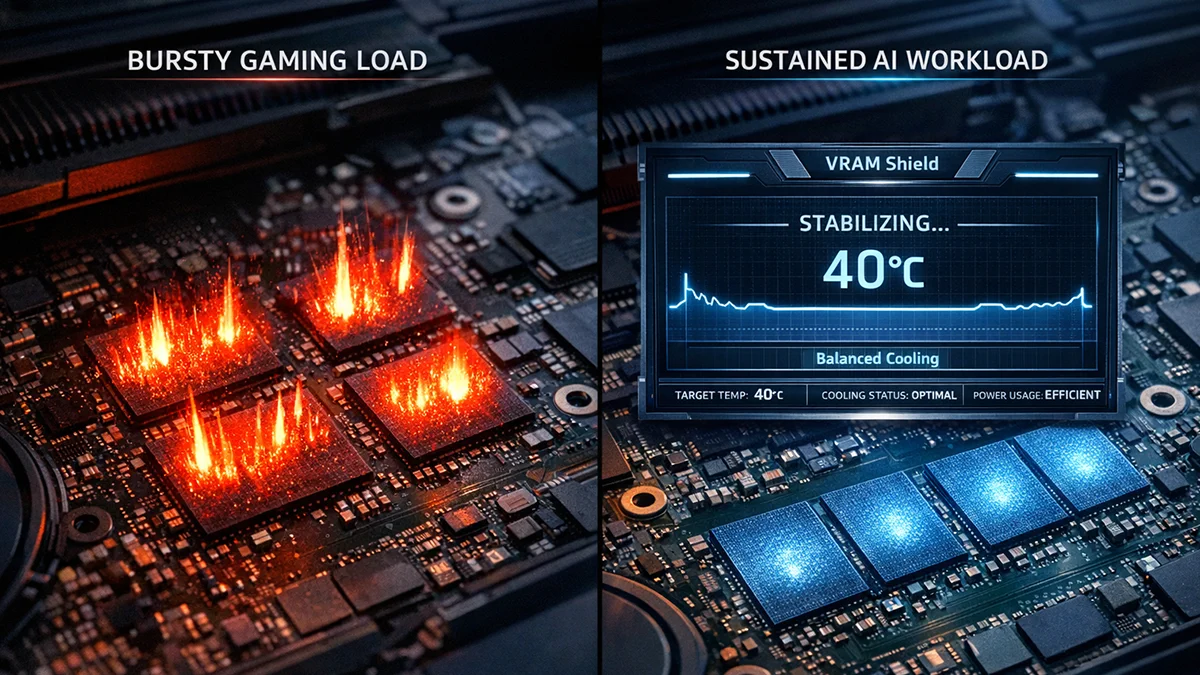
The rise of AI has redefined computing demands, highlighting a critical distinction: AI workload management versus traditional gaming. While gaming typically features "bursty" workloads with fluctuating GPU utilization, allowing for micro-pauses in cooling, gaming vs AI thermals are fundamentally different.
AI tasks demand a sustained peak power state, a continuous load that quickly overwhelms standard thermal profiles designed for intermittent stress. When you run complex AI generation, such as Stable Diffusion thermals or local LLMs, your RTX laptop VRAM operates at maximum utilization for the entire duration.
This constant, intense activity leads to a rapid accumulation of heat in shared heat pipes. The VRAM modules often reach critical temperatures long before the GPU core even signals the fans to spin at maximum speed, creating a significant thermal imbalance.

Know your VRAM Thermal Limits
Download the 2026 Reference Chart for RTX 30/40/50 Series.
This prolonged, unmanaged stress frequently results in laptop VRAM overheating. Unlike the transient peaks seen in gaming, AI tasks maintain a sustained peak power state, pushing memory modules to their thermal limits continuously.
The Stability Gap
Standard GPU cooling solutions AI are often insufficient, as they prioritize the GPU die. This compromises the efficiency and reliability of multi-hour renders or training sessions.
To counter these challenges, VRAM Shield offers an essential solution for precise VRAM temperature control. It moves beyond reactive cooling, providing the tools necessary for hardware stability AI tasks. This professional-grade utility ensures your memory modules remain within safe operating limits.
VRAM Shield achieves this through its proprietary Pulse Throttling technology. This advanced feature utilizes sophisticated, multi-stage algorithms to introduce millisecond-level suspensions in the GPU workload. Explore the professional-grade monitoring and management tools in VRAM Shield by choosing your plan today.