Quick Summary
In 2026, high-end NVIDIA RTX laptops are more powerful than ever, but they face a critical challenge: GDDR6X power density. While the GPU core is often well-cooled, the Video RAM (VRAM) has become a bottleneck for sustained performance. This isn't just about high numbers on a sensor; it's about the fundamental physics of modern mobile computing.
The Shared Cooling Challenge
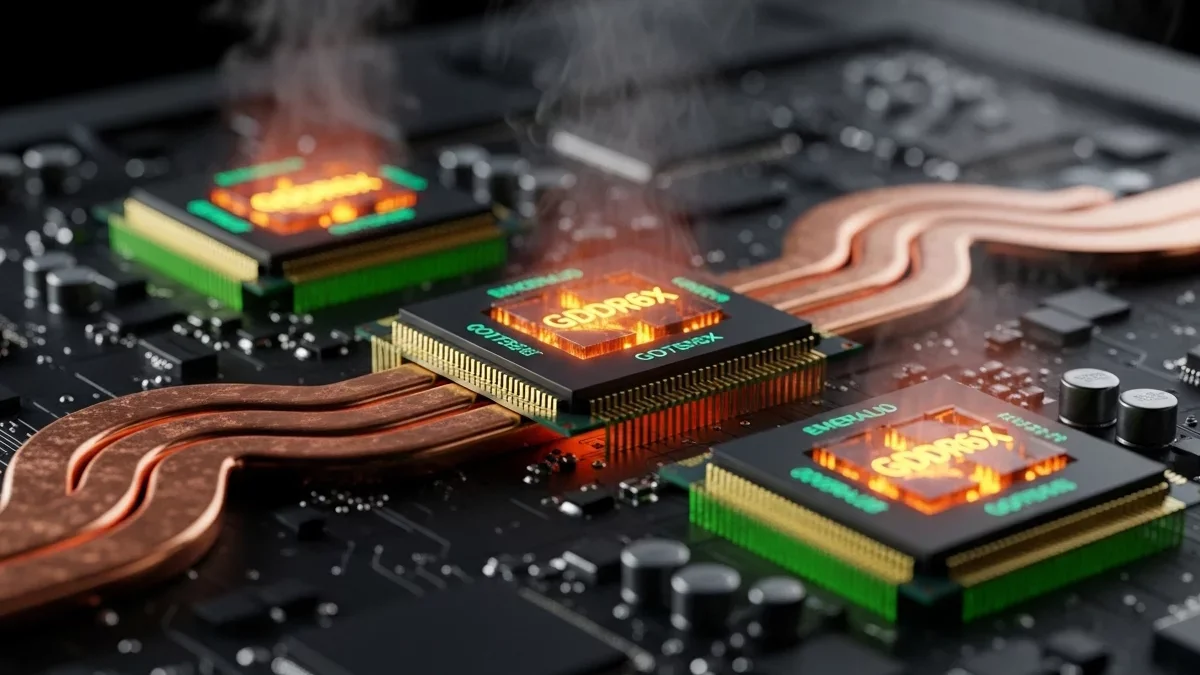
Most modern laptops use a unified thermal module where heat pipes are shared between the CPU and GPU. When running Stable Diffusion or training Local LLMs, the memory controller operates at peak capacity, generating intense localized heat. Due to high thermal density, VRAM chips often saturate their cooling capacity faster than the GPU core itself.
"NVIDIA memory throttling is rarely visible to the user via standard tools. System fans often react only to the GPU core temperature, allowing VRAM chips to reach 105°C and trigger clock-downs while the core stays at a 'safe' 70°C."
The Role of Thermal Interfaces
In many factory designs, the thermal interface between memory chips and the heatsink can become a limiting factor under heavy load. This creates a "thermal wall" where heat is generated by the GDDR6X but cannot escape to the radiator efficiently. This explains why a laptop might start thermal throttling during long render sessions.

Know your VRAM Thermal Limits
Download the 2026 Reference Chart for RTX 30/40/50 Series.
Operational Stability Impact
Operating your VRAM at thermal limits leads to inconsistent compute times. When the memory controller throttles, batch processing slows down unpredictably. For professionals, this means a render that should take 2 hours might stretch to 3, or a training run might fail due to instability. Workload management is the key to maintaining consistent throughput.
The Solution: Pulse Throttling
Traditional cooling pads attempt to solve the problem externally. VRAM Shield addresses the workload itself. By using the unique Pulse Throttling Technology, we introduce millisecond-level pauses in the compute stream. This allows the thermal mass of the heatsink to "catch up" and shed peak temperatures during the micro-pauses, keeping the VRAM in the operational zone without the severe drops associated with firmware-level emergency throttling. For a detailed comparison of thermal management methods, see Pulse Throttling vs. Undervolting: A Technical Comparison.
Ready to maintain peak compute efficiency? Explore our PRO License for advanced thermal management and real-time monitoring.